SysML v2 · open source

Draw your model.
Keep your text.

SysML Studio is a graphical viewer and editor for SysML v2. Open a folder of .sysml files, browse it as a tree, read it as diagrams, change it.
Free and open source  ·  Windows, macOS and Linux

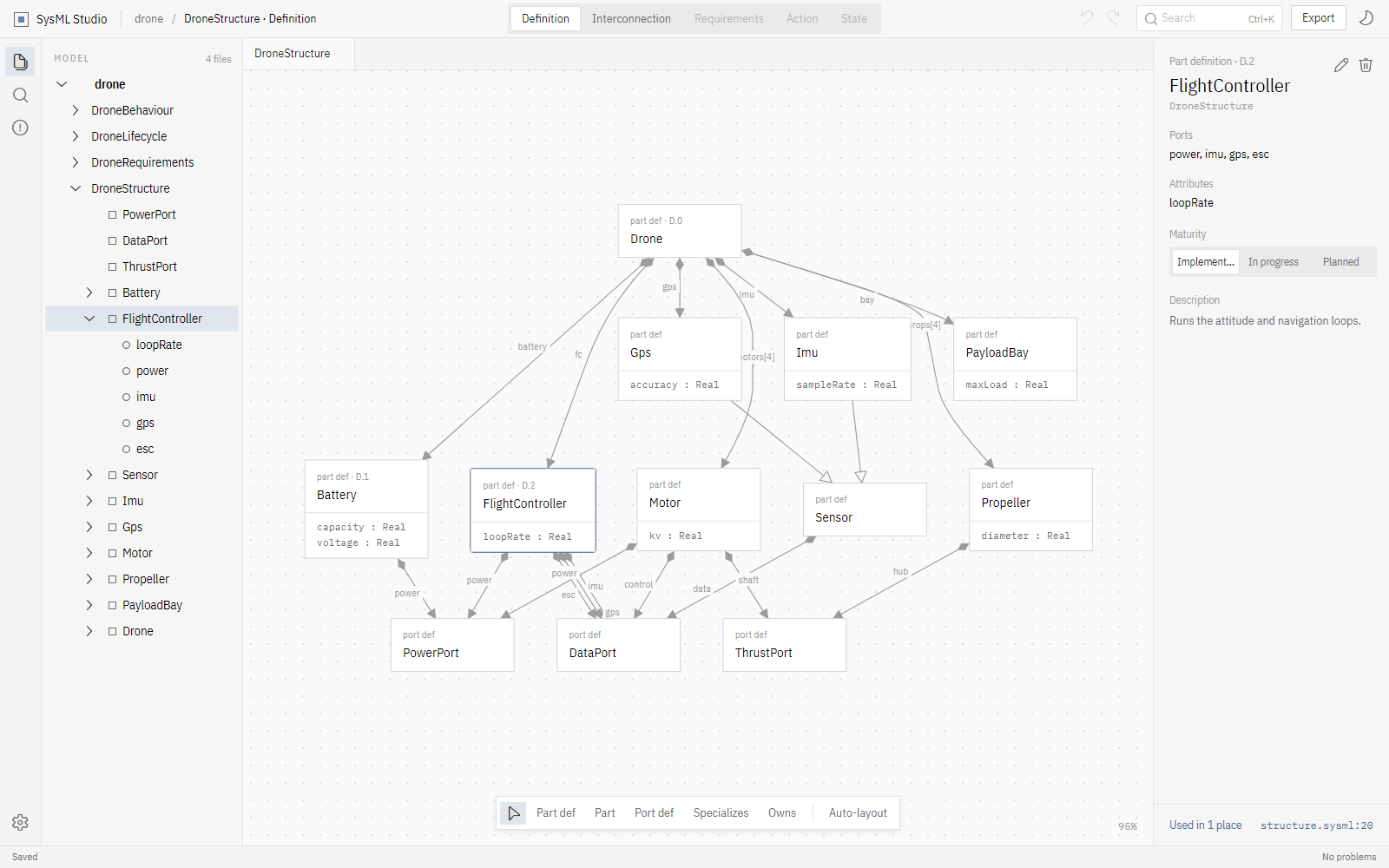
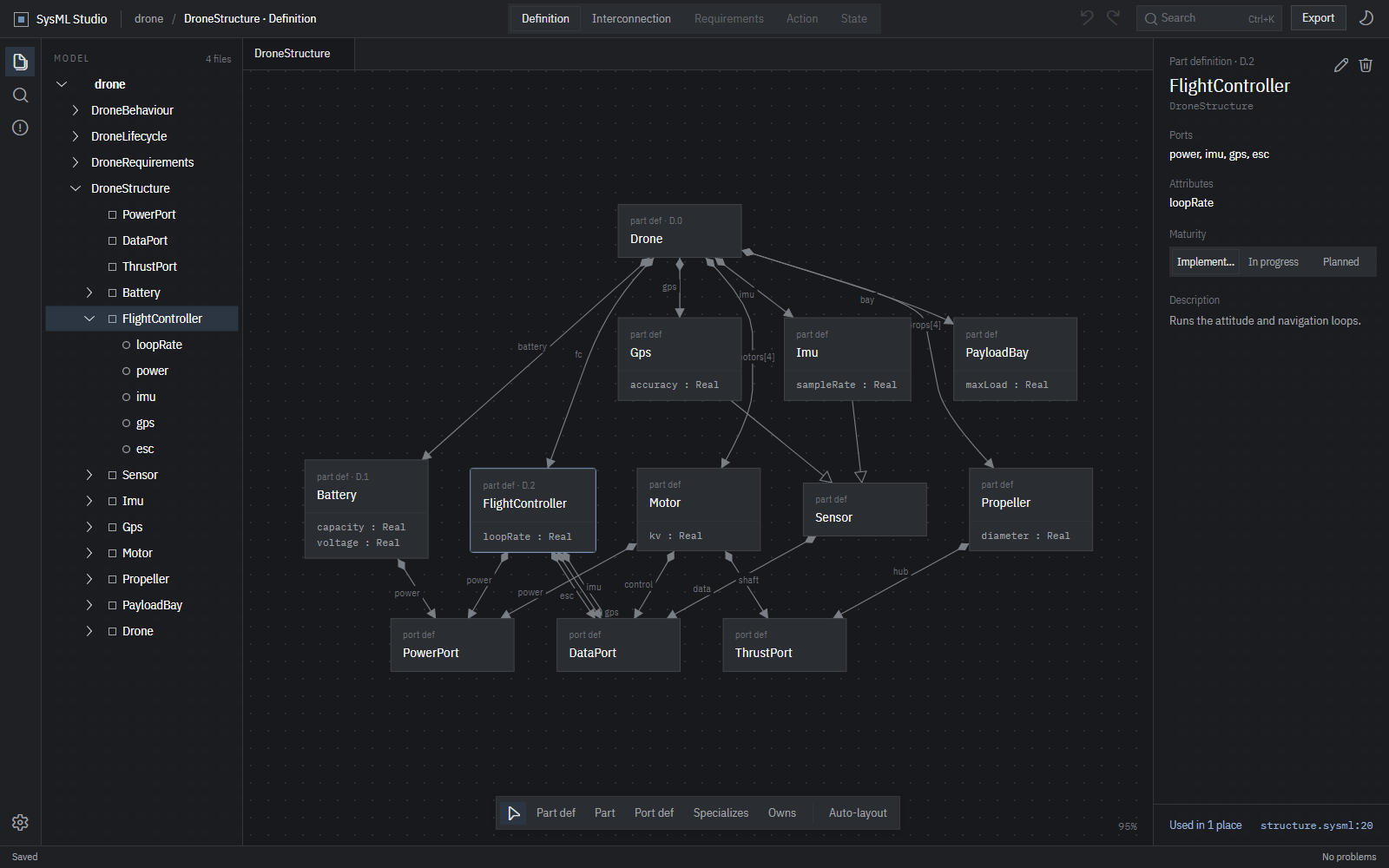
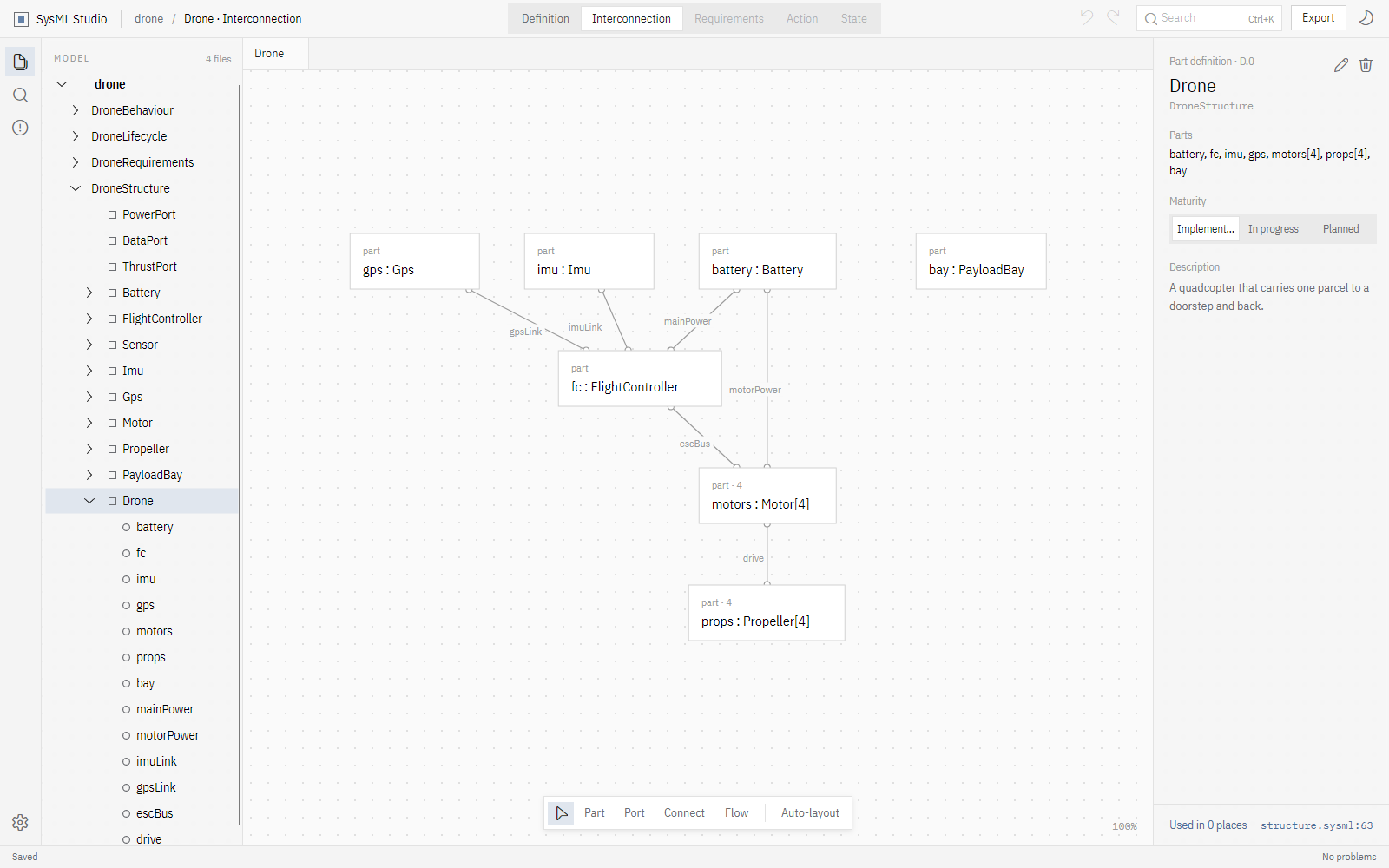
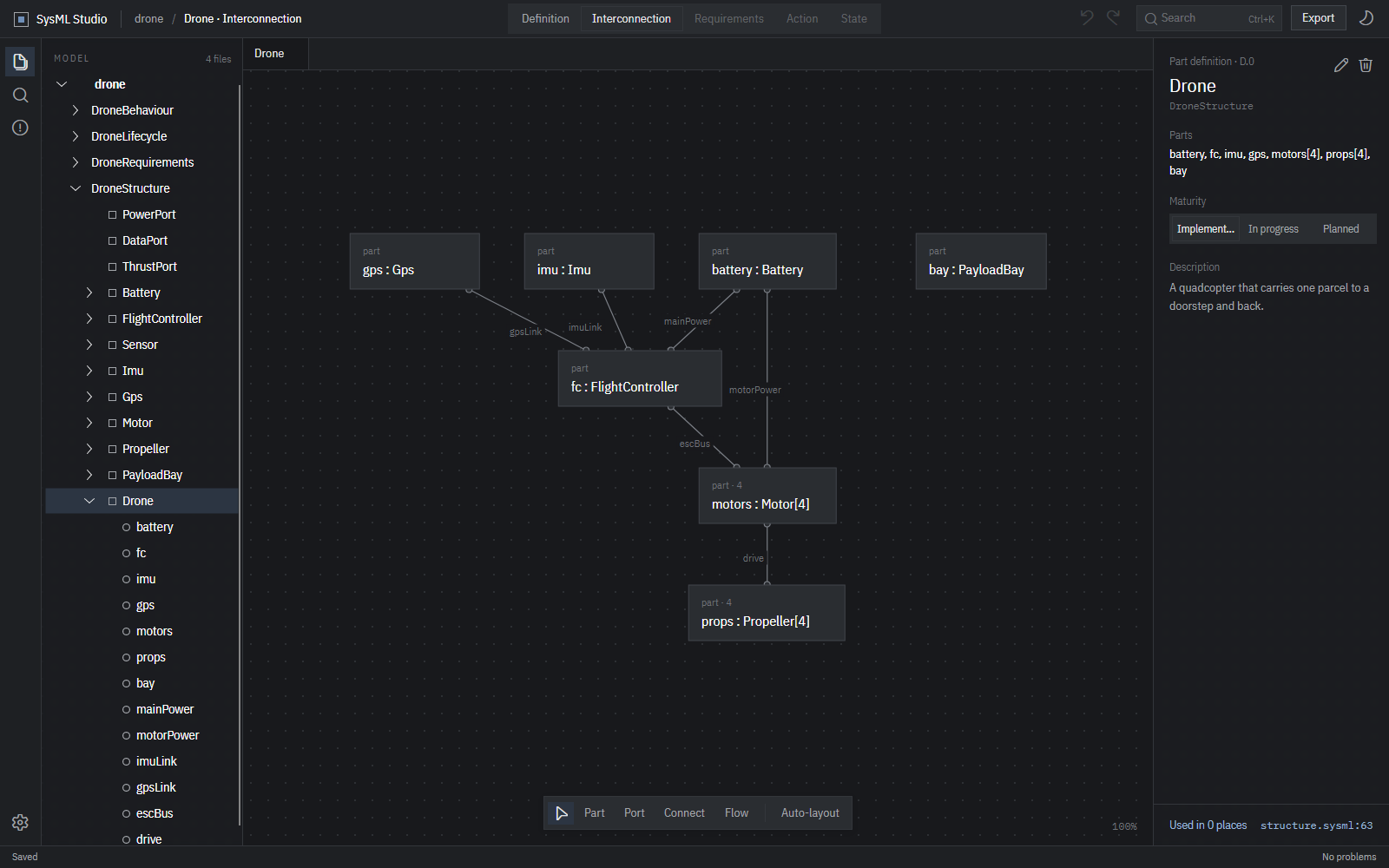
SysML Studio showing the interconnection diagram of a delivery drone: the flight controller wired to its battery, sensors and four motors, with the model tree on the left and the inspector on the right. The same interconnection diagram of a delivery drone, in the dark theme.
Why SysML Studio

The modelling tool that treats your files as the model.

Graphical tools usually keep the model in a database and export text on the side. SysML Studio turns that around: the .sysml files are the truth, and the diagrams are views of them.

01

Lossless edits

An edit changes only what it has to. Comments, doc blocks, blank lines and your formatting survive, so a diff shows exactly what changed.

02

Nothing to import

Point it at a folder and the whole model is there: every file, every cross-reference, ready to browse. No import step, no conversion.

03

Works with git

No project database, no binary blobs. Branch, review and merge models the way you already work with code, and keep editing in any text editor too.

Five diagram kinds

Every view laid out for you.

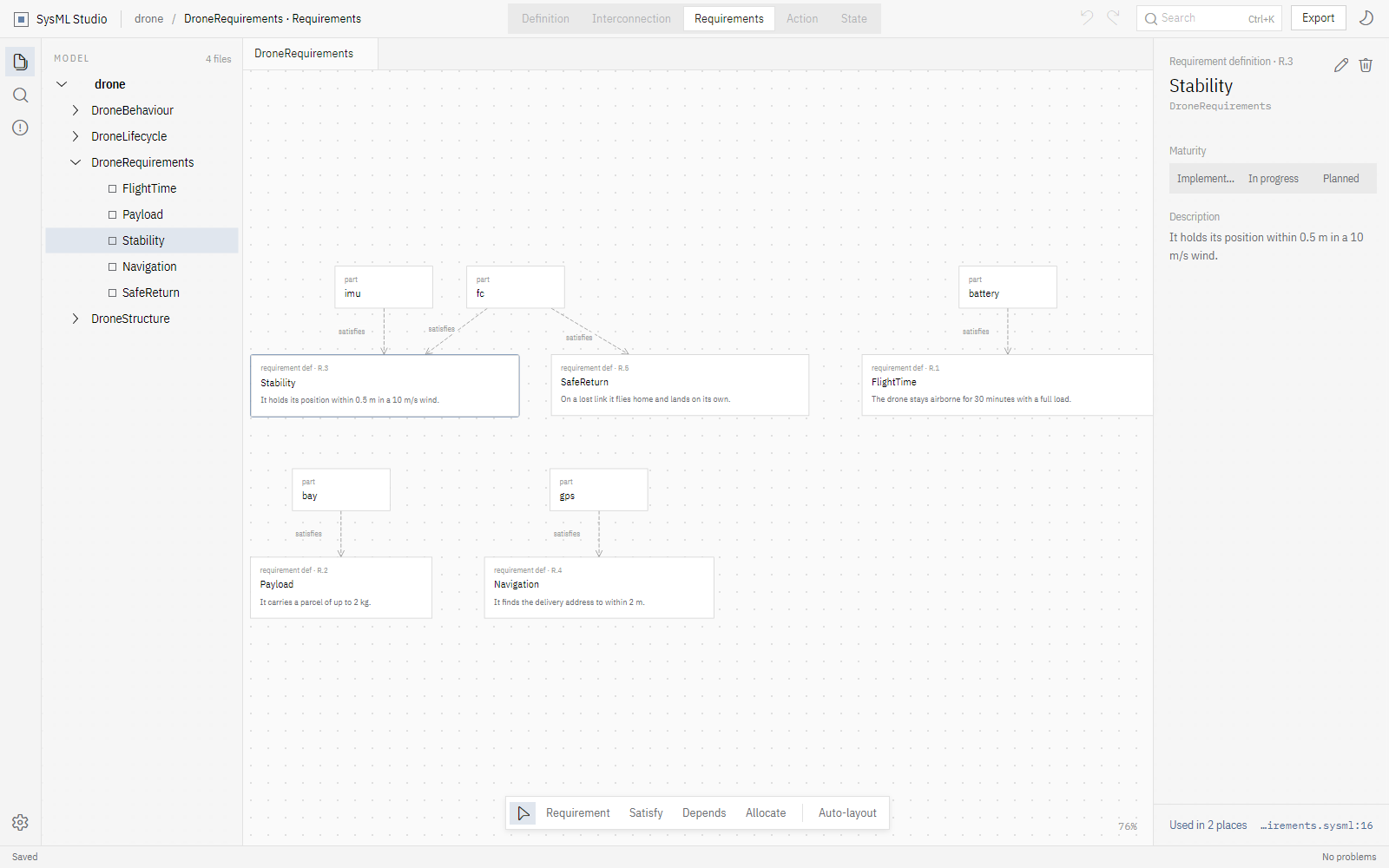
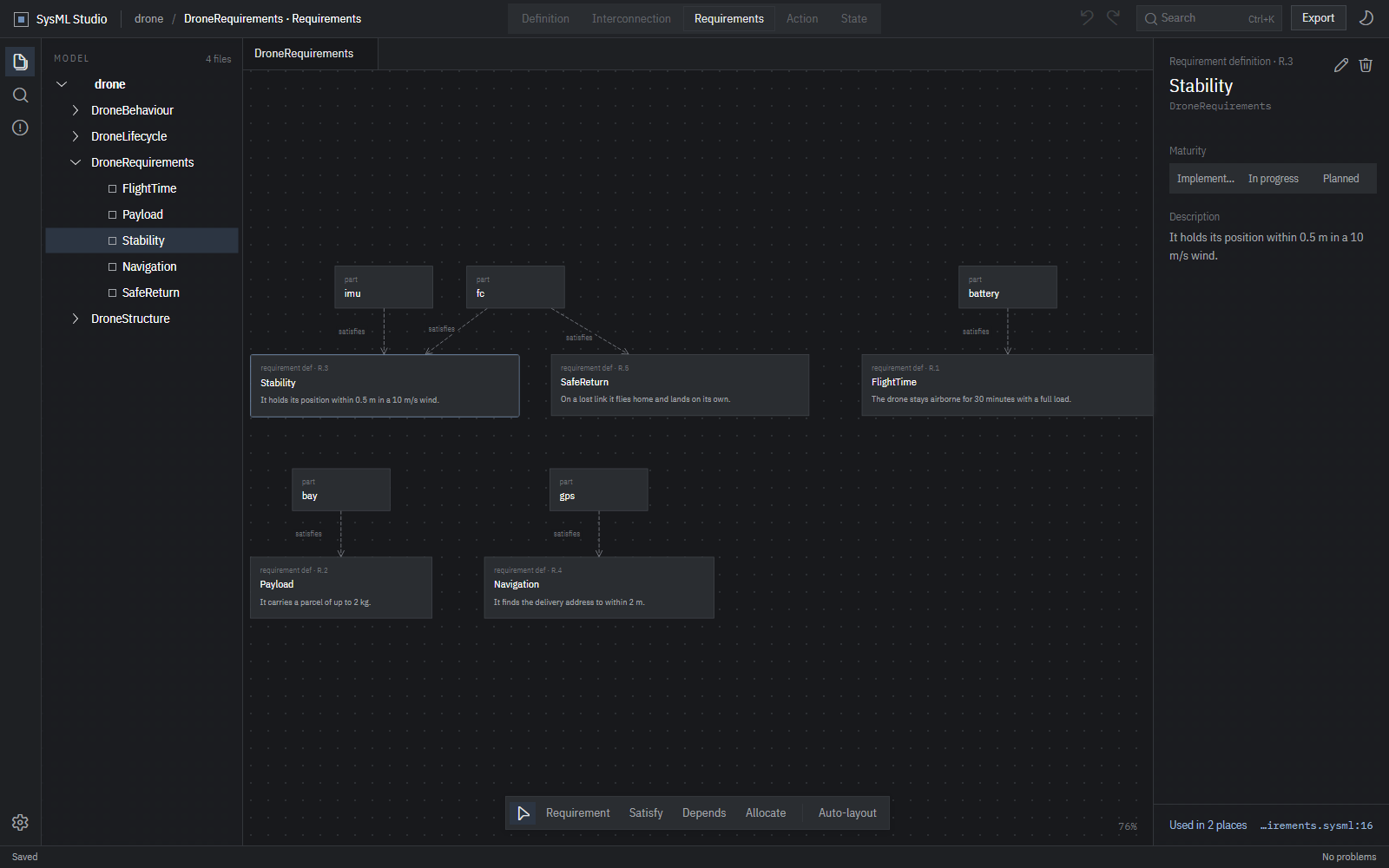
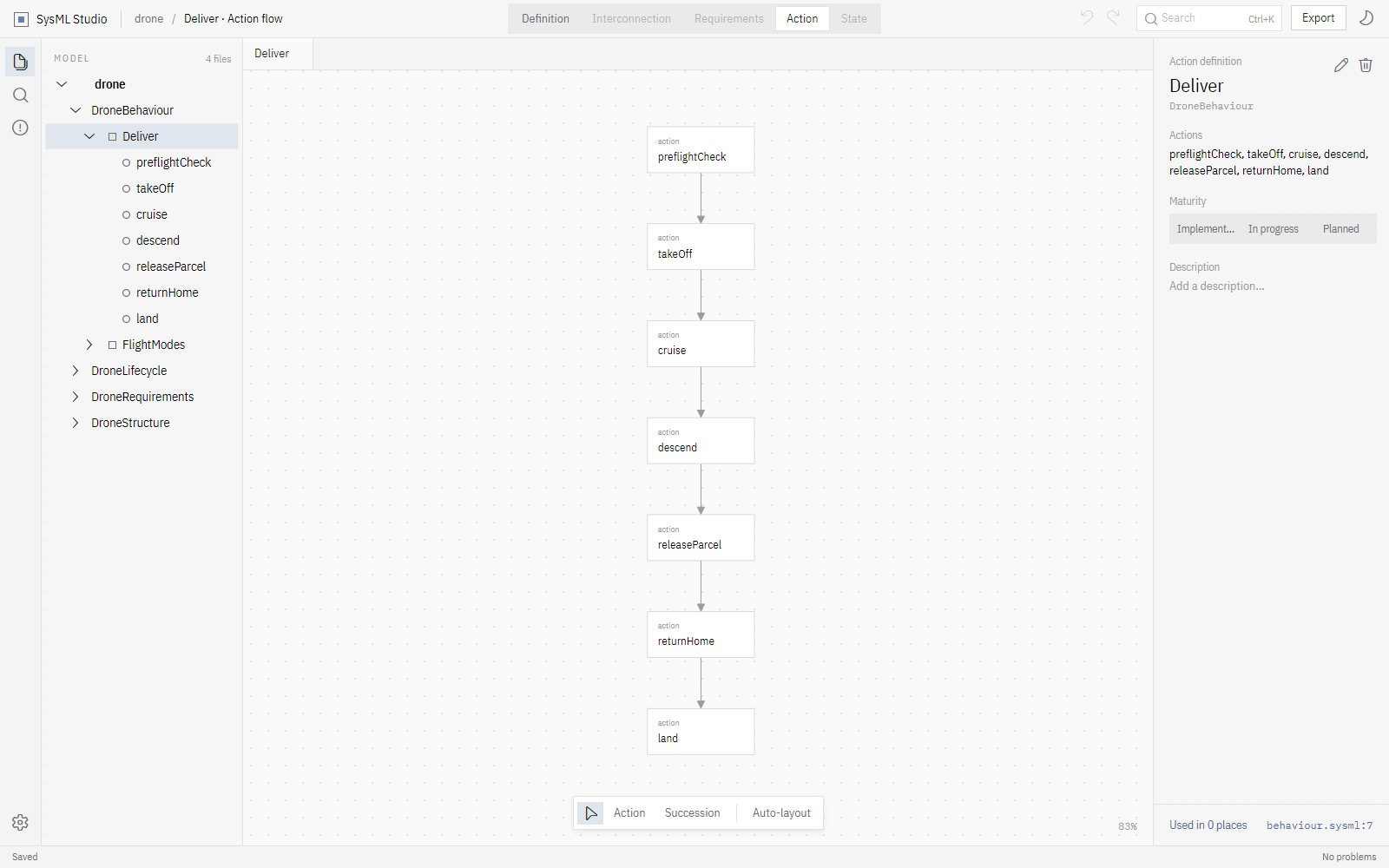
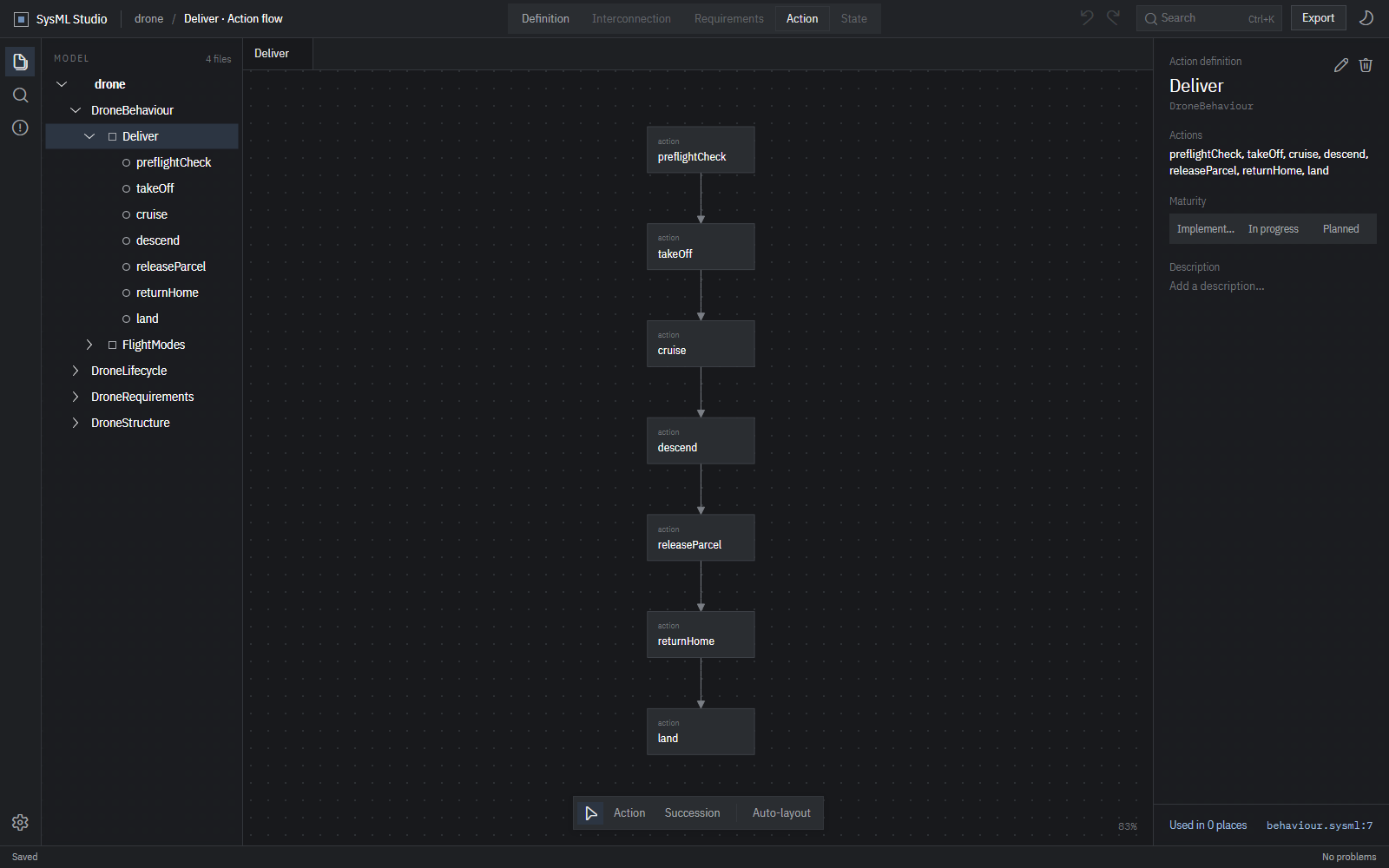
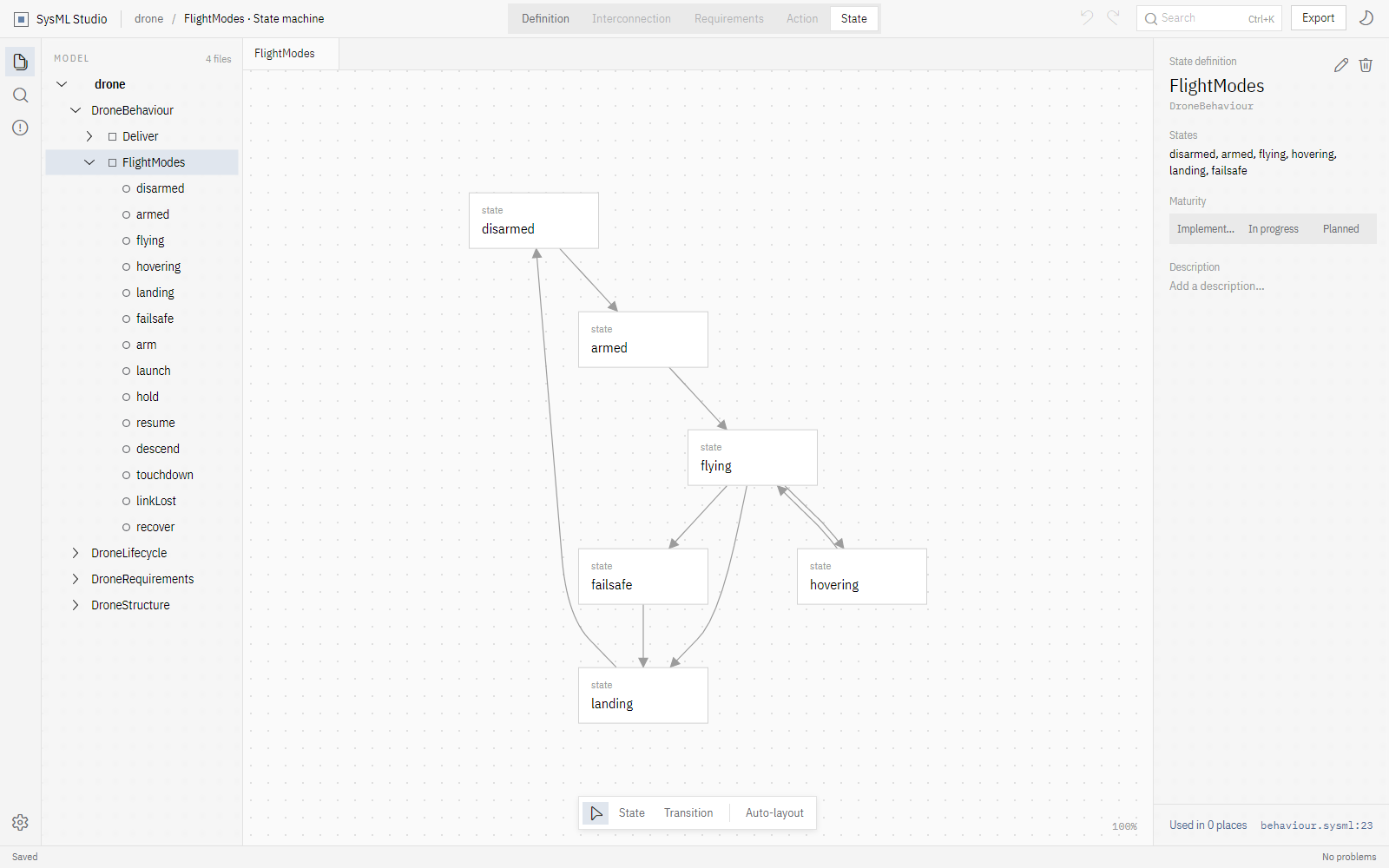
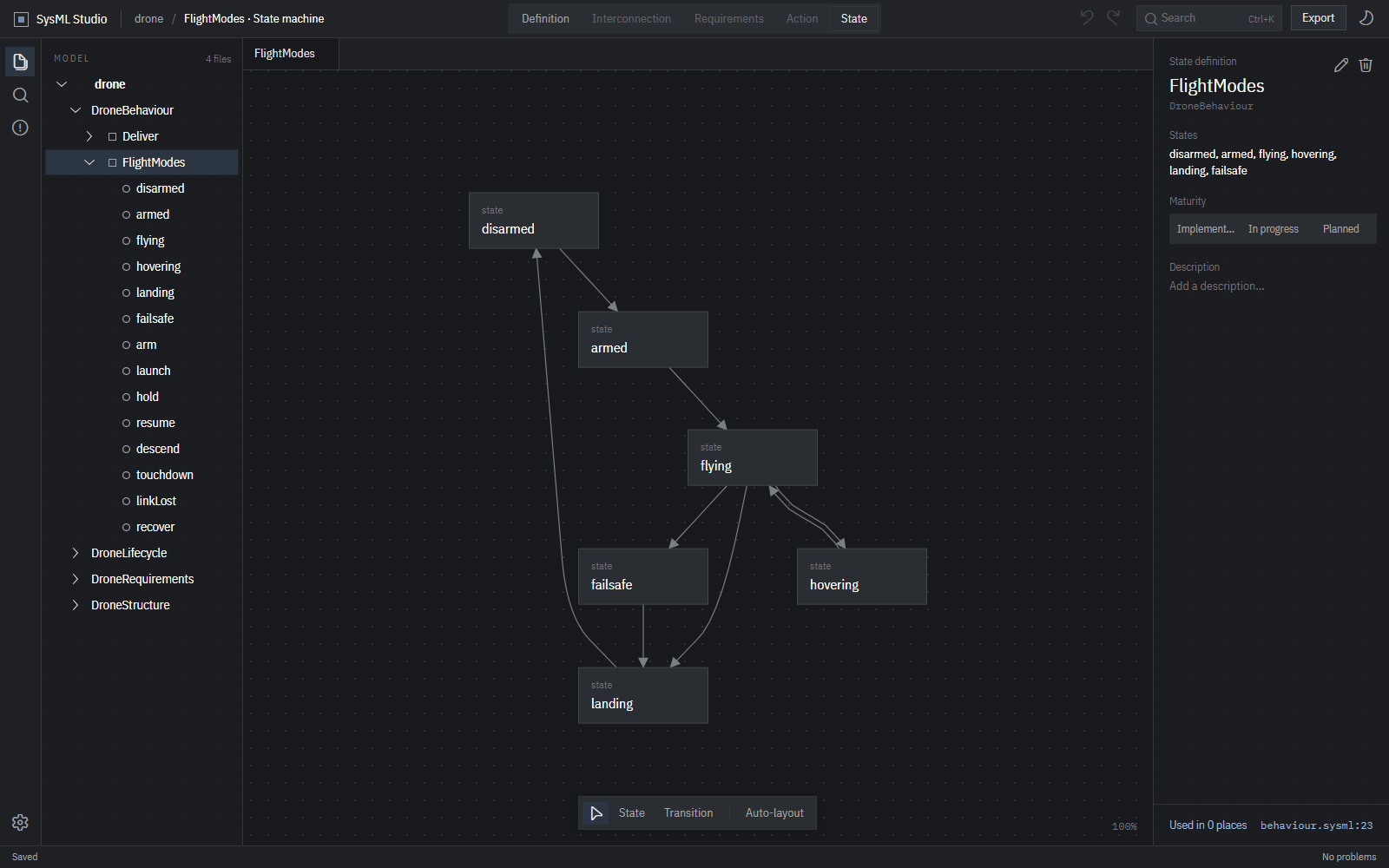
Select an element and the title bar offers the diagrams it can be drawn as. Boxes are placed automatically, kept apart, with edges routed around them.

Editing

Change the model. Get a clean diff.

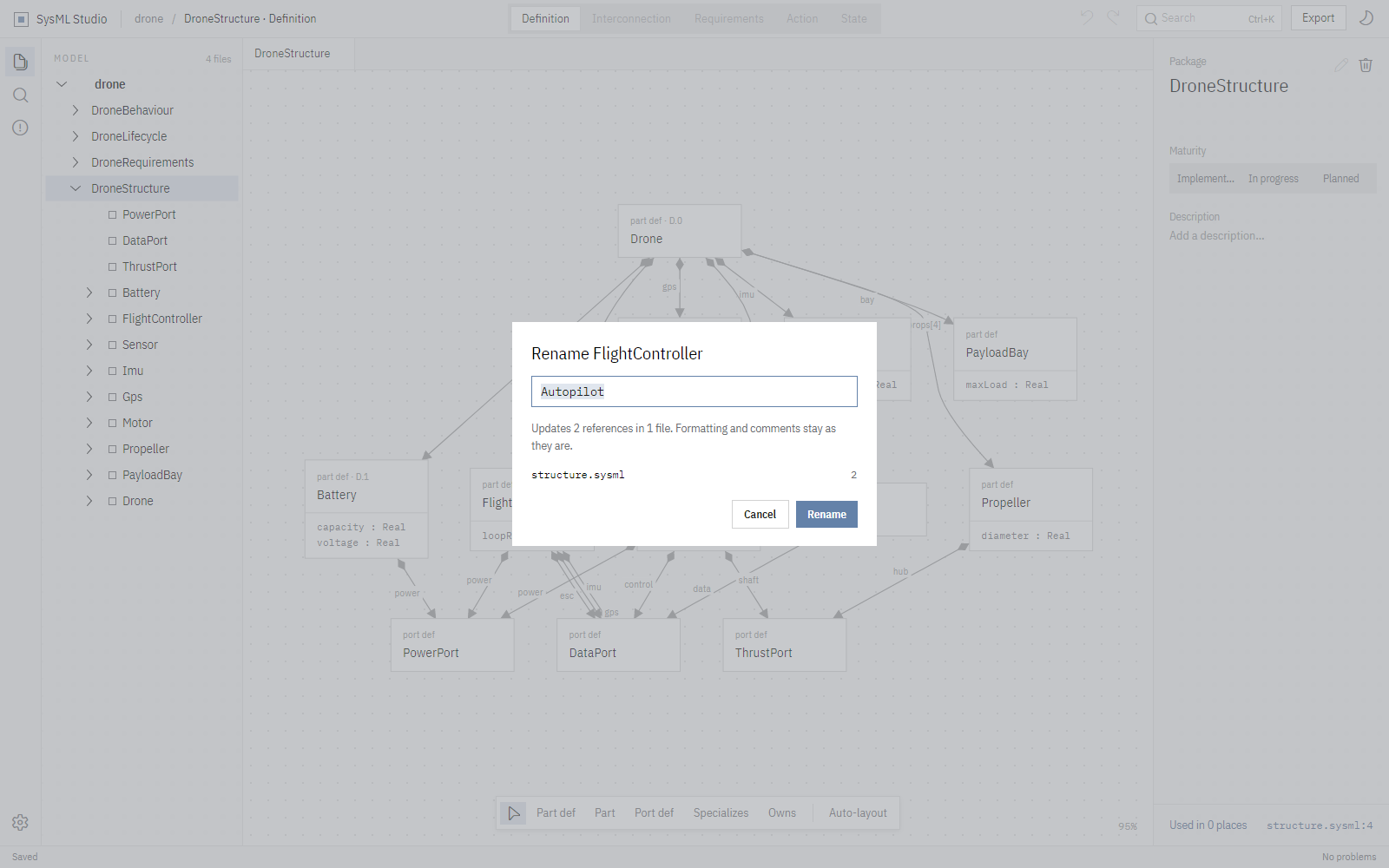
Rename, retype, add, delete, specialize, mark maturity or write a doc comment. Every dialog says what it will change before it writes a thing.

structure.sysml2 lines changed
     #implemented-    part def <'D.2'> FlightController {+    part def <'D.2'> Autopilot {  …-        part fc : FlightController;+        part fc : Autopilot;
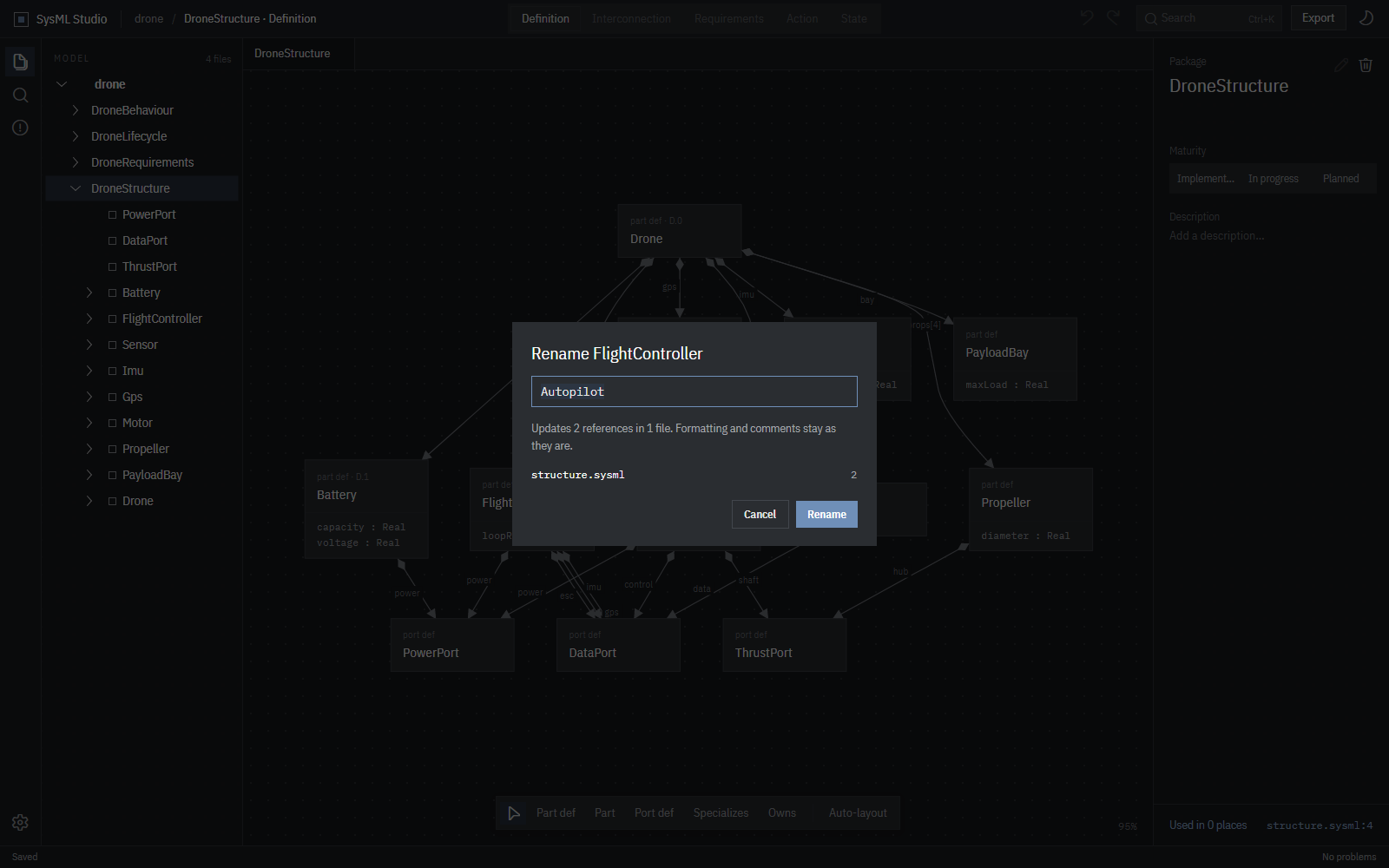
The rename dialog: renaming FlightController to Autopilot updates 2 references in 1 file, and formatting and comments stay as they are. The rename dialog: renaming FlightController to Autopilot updates 2 references in 1 file, and formatting and comments stay as they are.
Drawing

Draw relations between two boxes.

The toolbar under each diagram adds elements and draws relations by clicking the two ends. What you draw is written as SysML text and checked before it is accepted, so a drawing never leaves your model broken.

  • connect, flow, succession, transition
  • satisfy, dependency, allocate
  • specialization and composition
  • Undo and redo for everything, until you save
structure.sysml
#implemented
part def <'D.0'> Drone {
    part battery : Battery;
    part fc : FlightController;
    part imu : Imu;
    part gps : Gps;
    part motors : Motor[4];
    part props : Propeller[4];
    connection mainPower connect battery.power to fc.power;
    connection imuLink connect imu.data to fc.imu;
    connection escBus connect fc.esc to motors.control;
    connection drive connect motors.shaft to props.hub;
}
Source

The text is always one click away.

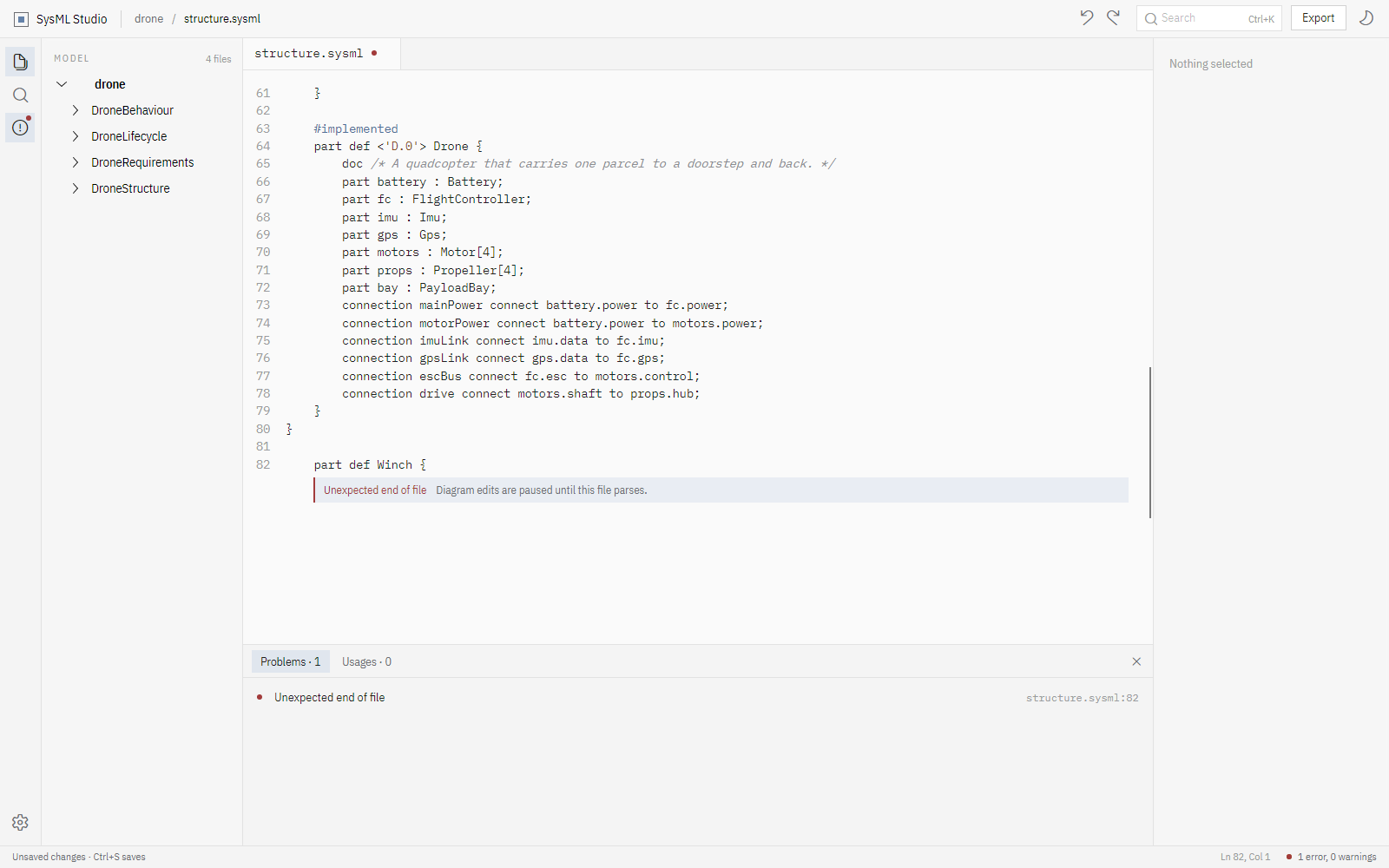
Open any file in a source tab with SysML highlighting. Type freely: mistakes show up as you type, inline and in the problems list, and the diagrams wait until the file is valid again.

  • Find every usage of an element, across files
  • Jump from any box or problem to its line
  • Save writes only the files that changed
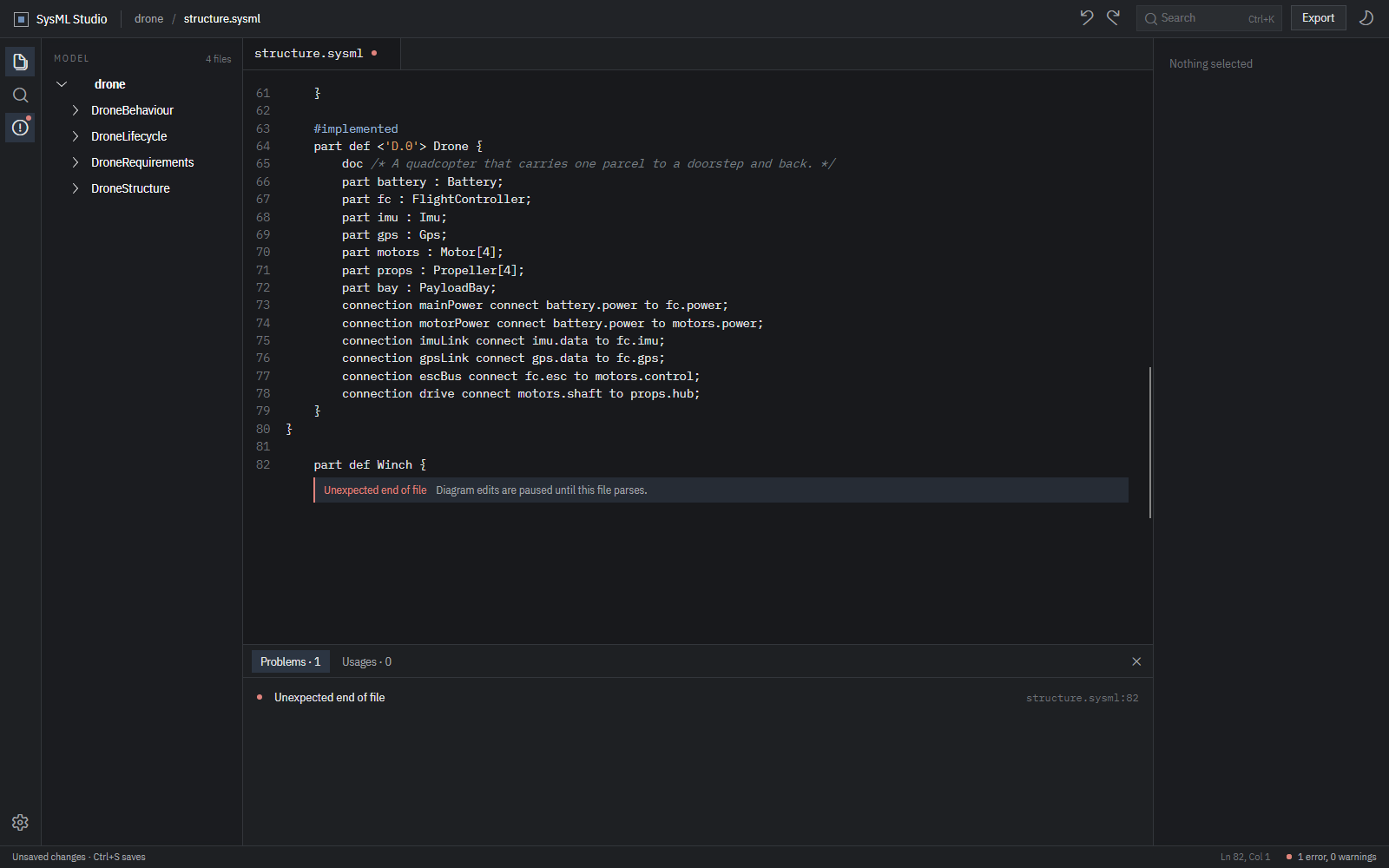
A source tab with an unclosed part definition: the error is shown inline and in the problems list, and diagram edits are paused until the file parses. A source tab with an unclosed part definition: the error is shown inline and in the problems list, and diagram edits are paused until the file parses.

SysML v2 JSON and XMI

Export the whole model in the standard SysML v2 interchange formats.

SVG and PNG diagrams

Save any diagram as a vector or bitmap image for documents and reviews.

Keyboard first

Nearly every command has a shortcut, and each one can be re-recorded in the settings.

Light and dark

Two calm themes, with side panels of frosted glass over the canvas.

Interchange

Standard formats out, no lock‑in.

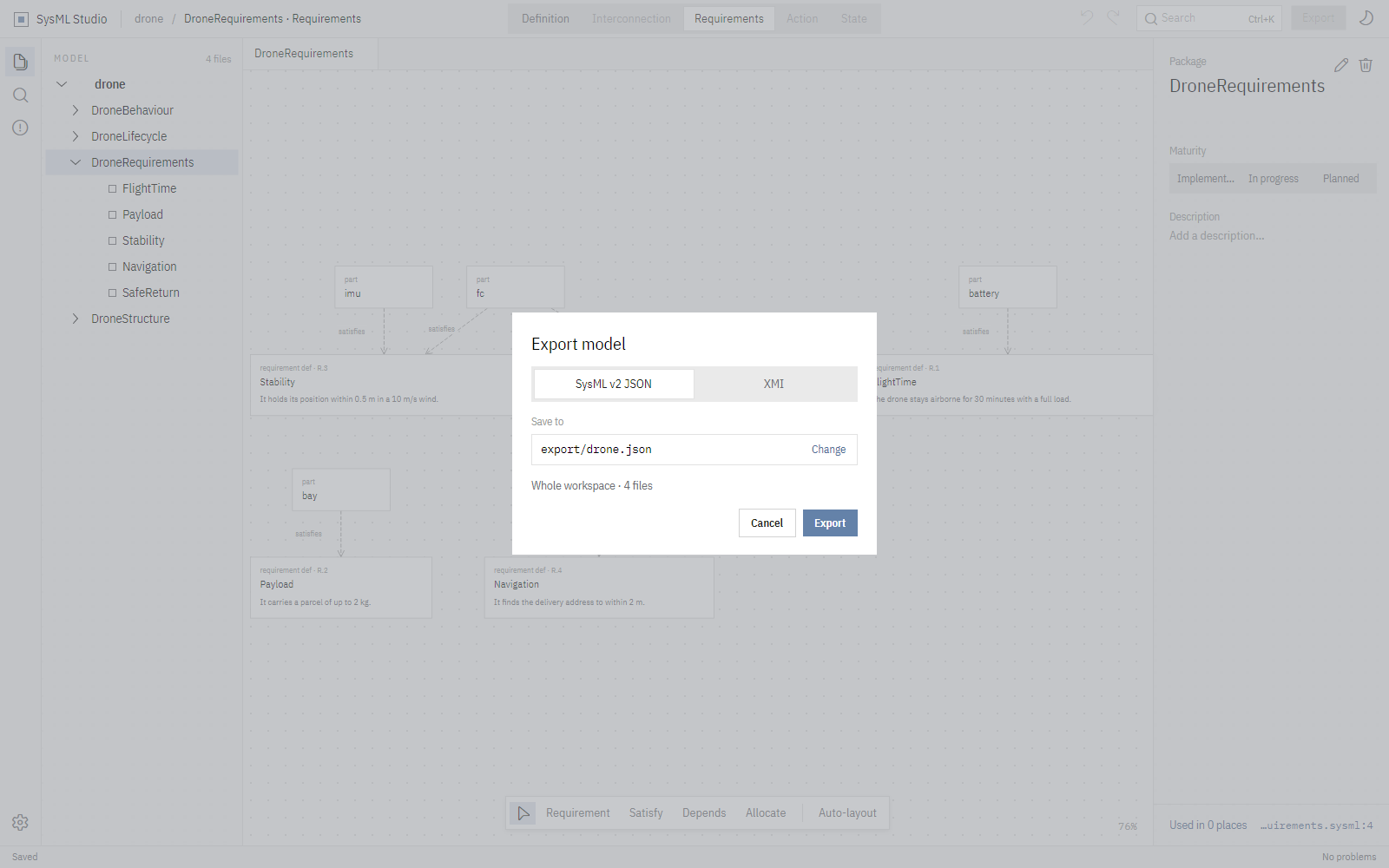
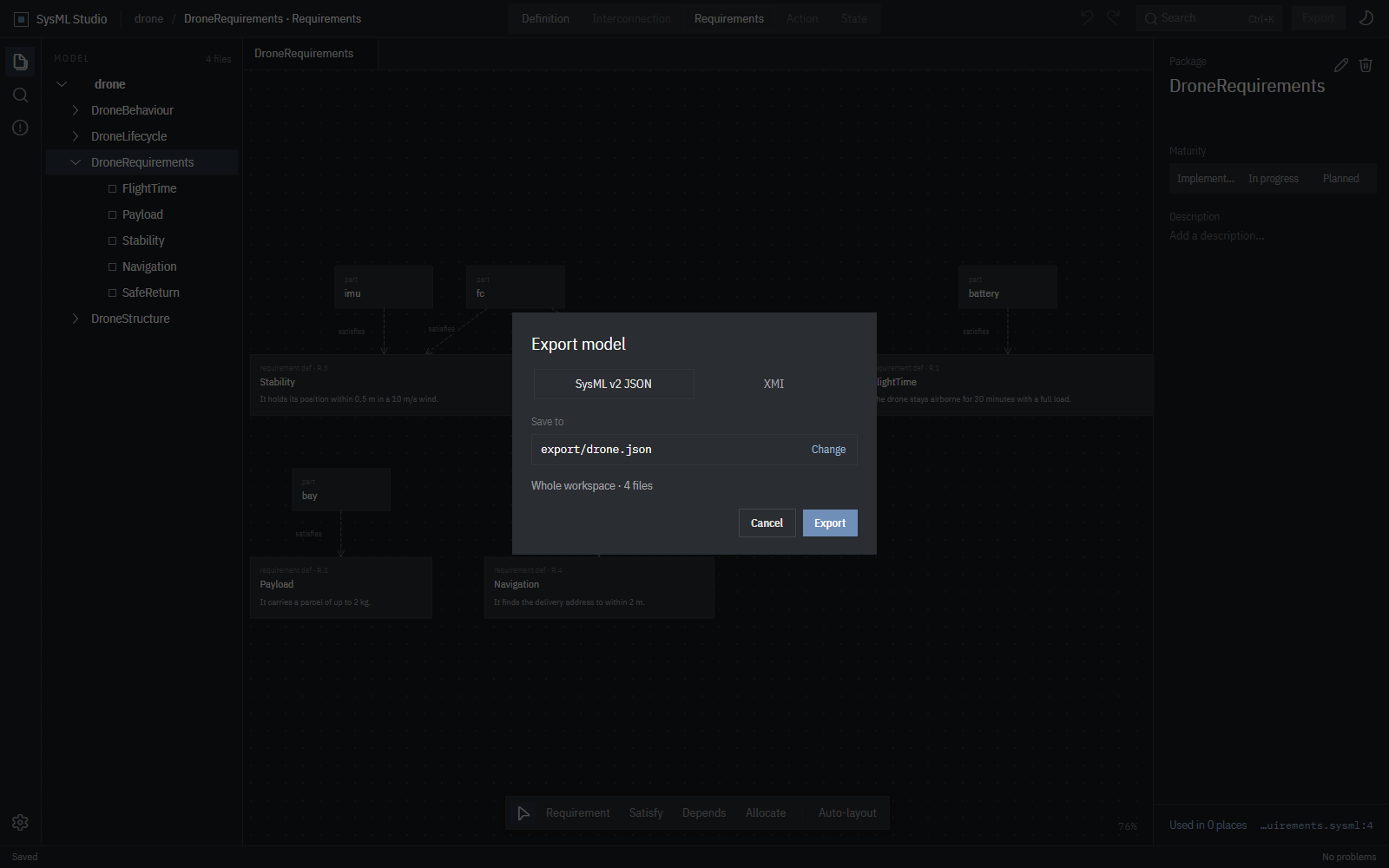
Your model is plain SysML v2 text to begin with. When another tool needs it, export the workspace as SysML v2 JSON or XMI in one step.

The export dialog offering SysML v2 JSON or XMI for the whole workspace. The export dialog offering SysML v2 JSON or XMI for the whole workspace.
Settings

Your keys, your theme.

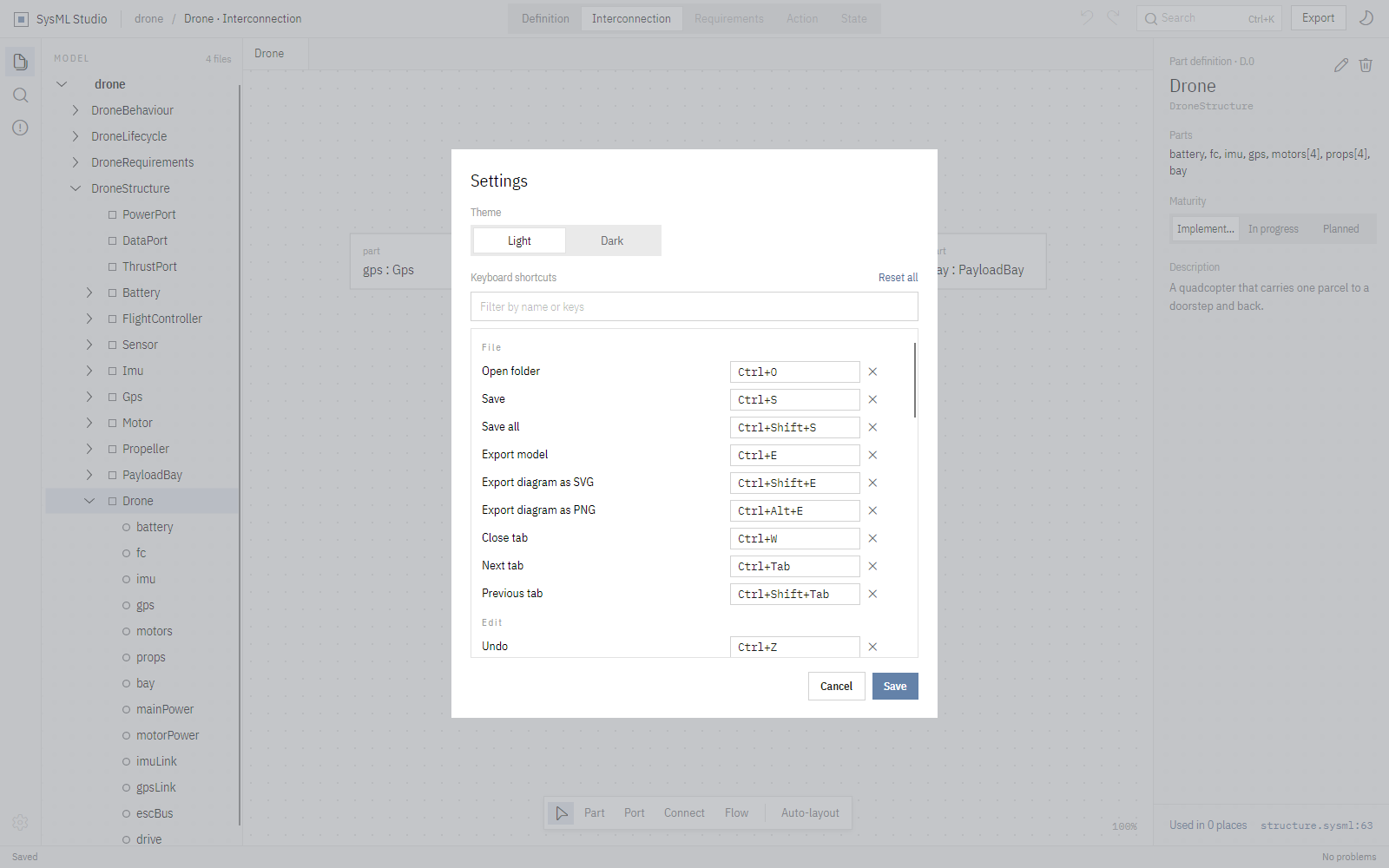
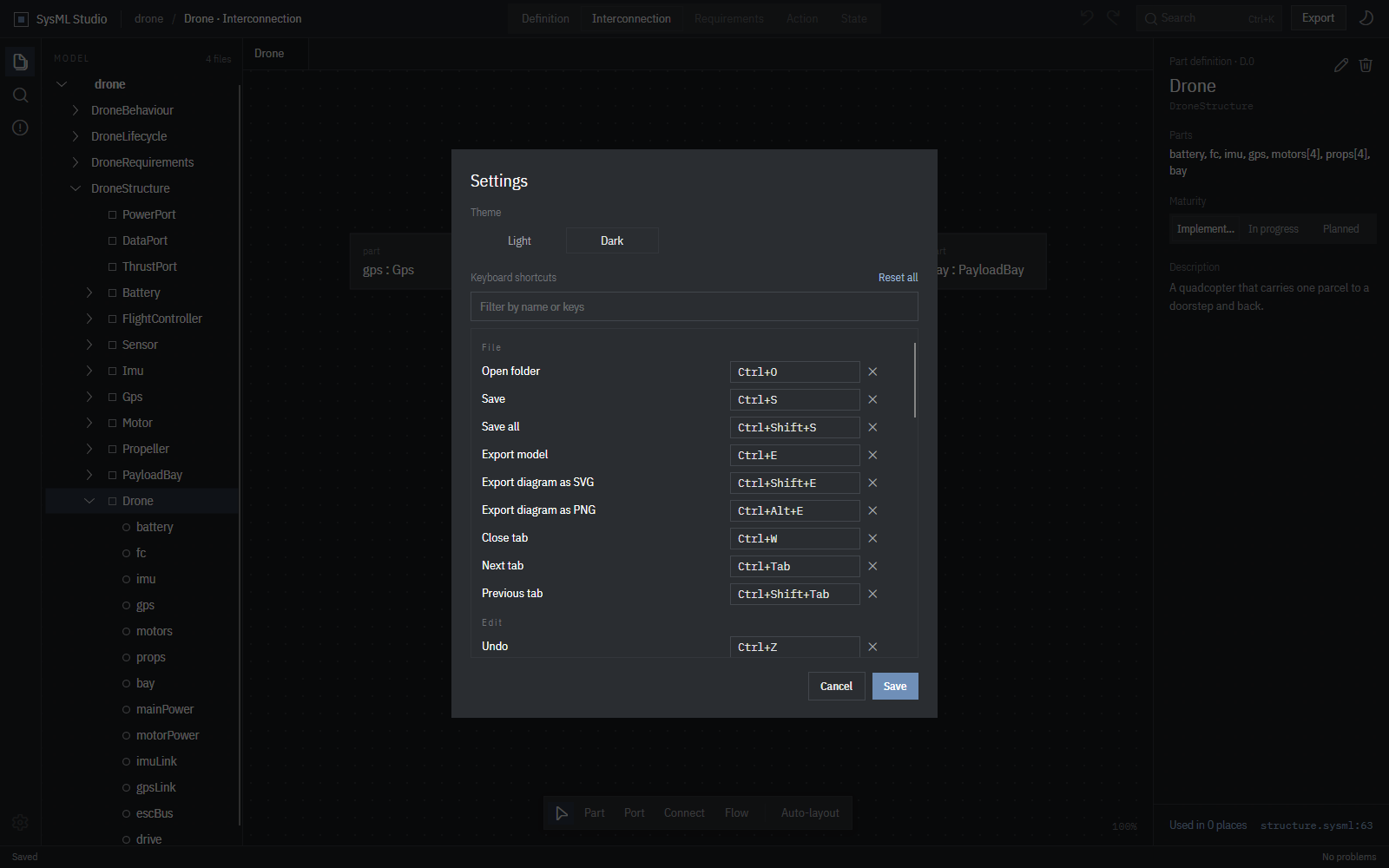
Click a shortcut, press the new keys. Clashes are caught before you save. Settings live in a small settings.json in your application data.

The settings dialog in the dark theme, listing keyboard shortcuts that can each be re-recorded. The settings dialog in the dark theme, listing keyboard shortcuts that can each be re-recorded.
Download

Free for Windows, macOS and Linux.

One download, nothing else to install. A sample model comes with it, so there is something to open straight away.

Windows

Unzip and run SysML Studio.exe.

Windows may not know the publisher yet: choose More info, then Run anyway.

macOS

Unzip and drag SysML Studio to Applications.

The first time, right-click it and choose Open.

Linux

On Debian or Ubuntu, install the package and start it from the menu:

sudo apt install ./sysml-studio_amd64.deb

Anywhere else: unpack the archive and run sysml-studio.